Drafting / Mockup
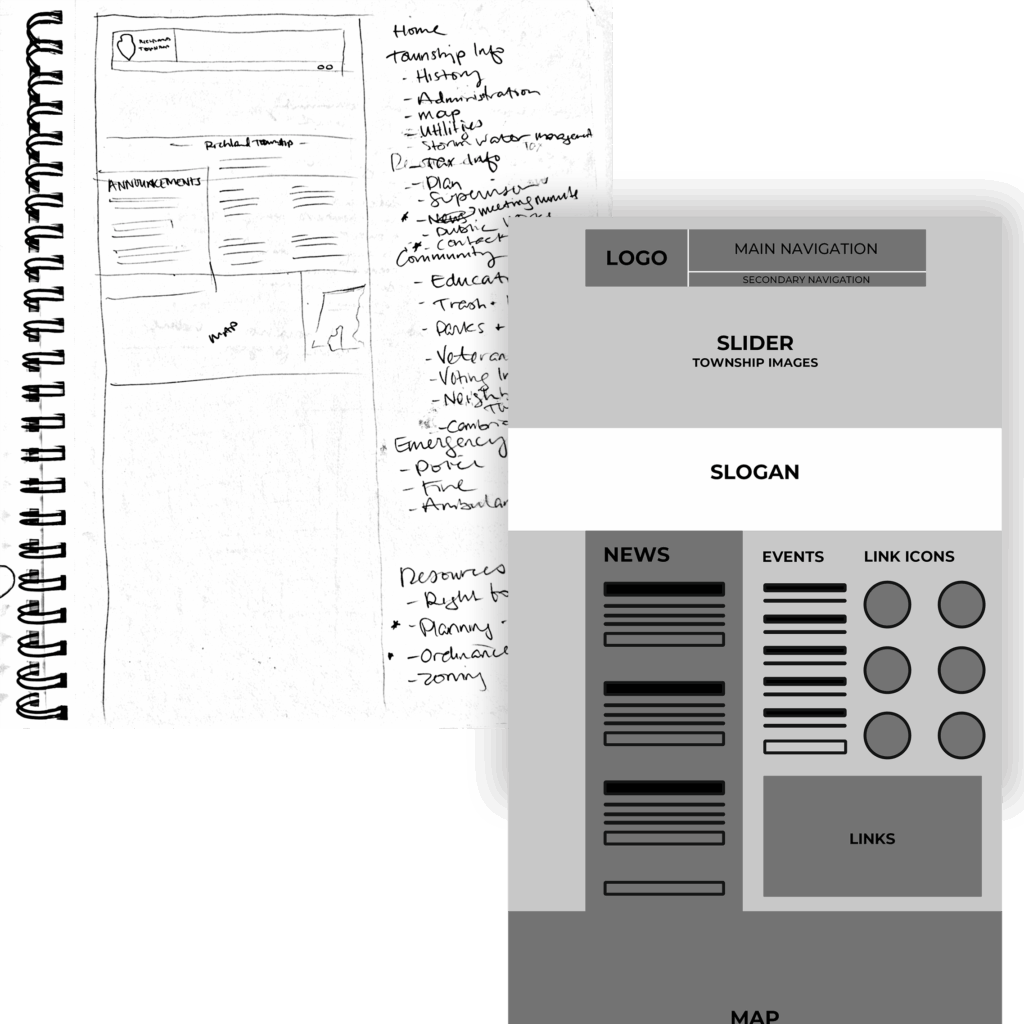
Header Layout
Organize key navigation elements: logo, menu, buttons, and icons for both mobile and desktop
Page Hierarchy / Sitemap
Structuring of the website content to define how main and subpages are organized
Page Flow
Sketched arrangement of prominent content sections for Homepage as well as any other major page
Wireframe Mockup
Clear and clean mockup created to be shared for approval before moving forward
Step Up
CMS Installation
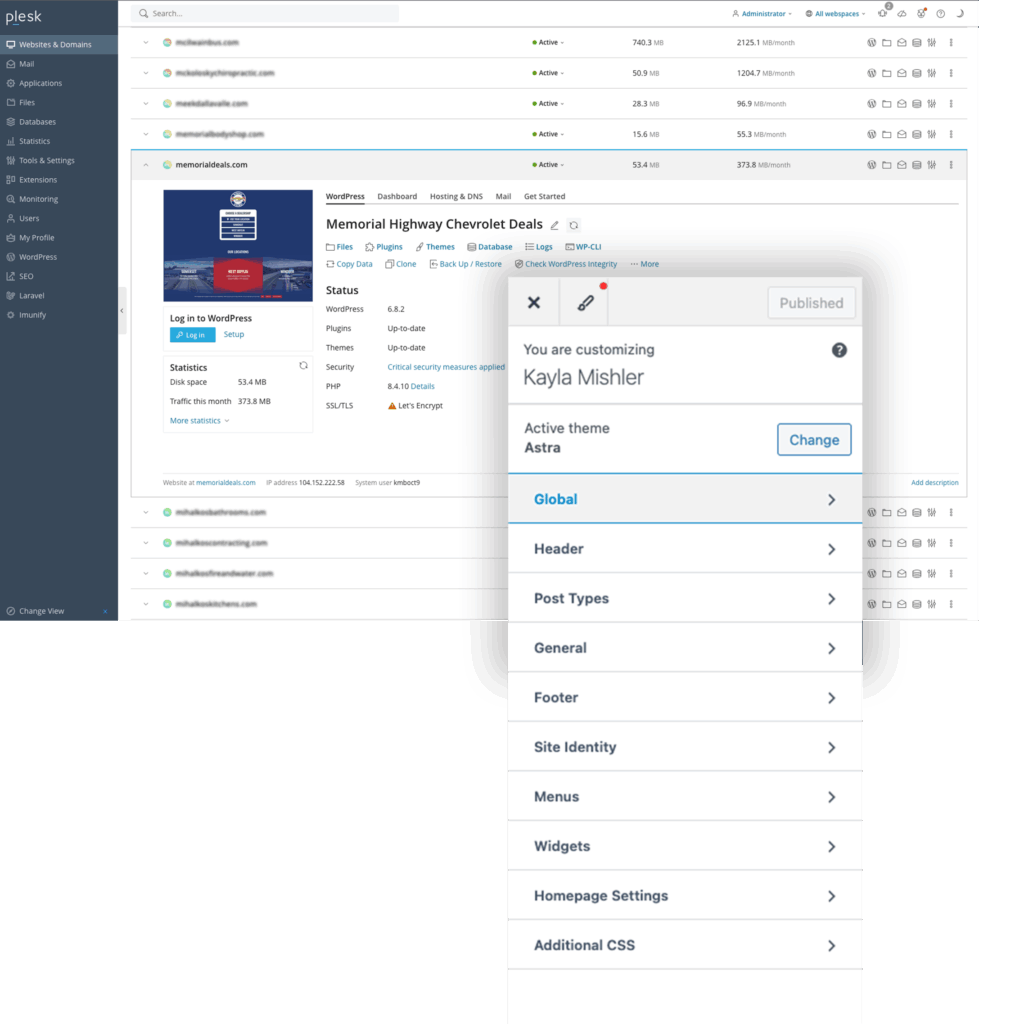
WordPress and required plugins installed on a temporary subdomain for live production via Plesk
Global Elements
Logo, color and typography preferences set based on brand guidelines
Homepage Build
Development of the homepage is completed before proceeded
Design & Development
Build pages/posts and create navigation
Add and setup all required plugins
CRM, web forms, SMTP, Cookie/privacy, etc
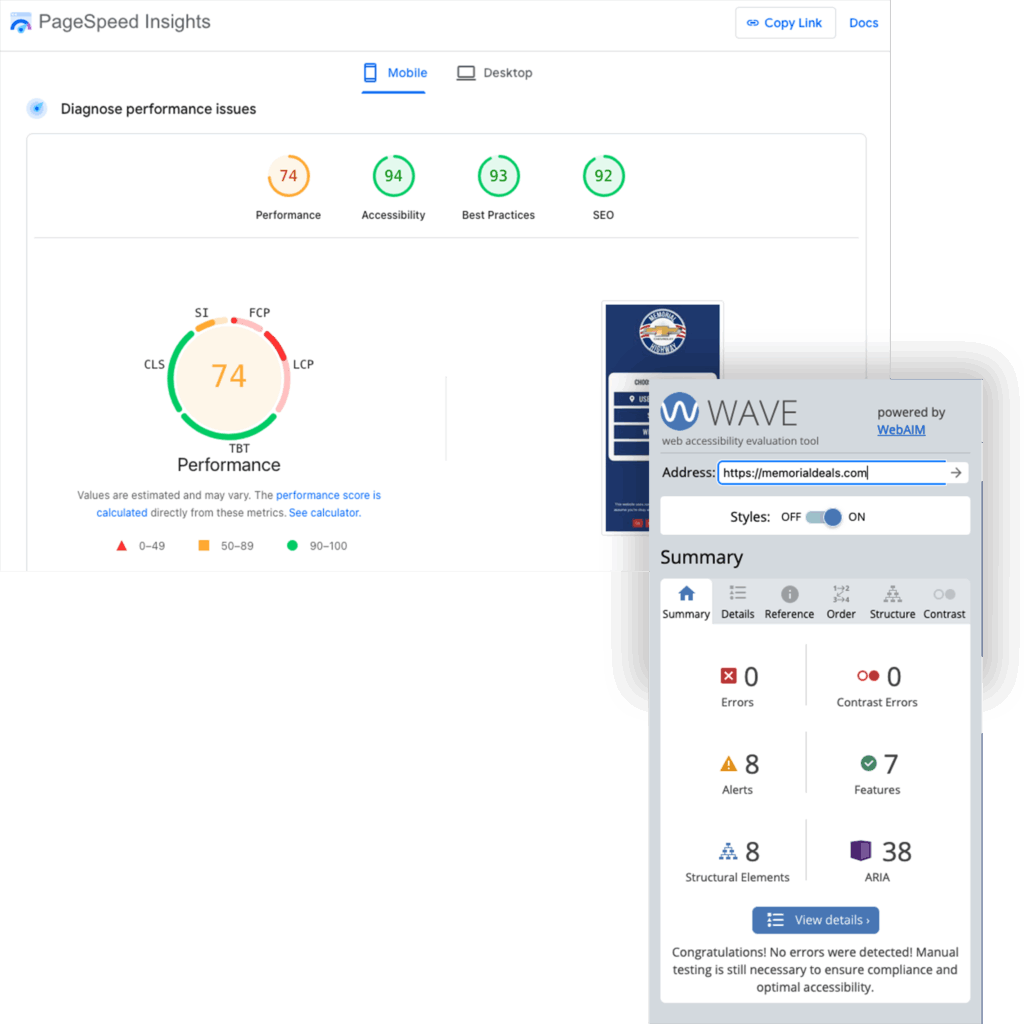
Test Page Speed
via Google PageSpeed Insights
Test ADA Compliance
via WAVE web accessibility evaluation tool
Maintain & Optimize
Monitor Security
via Wordfence on CMS and Immunify on Plesk
Manage Plugins and CMS
troubleshoot when needed
Improve SEO
Updating and adding content to refresh pages and add backlinks, and perform SEO audits via Yoast
Continuous Enhancements
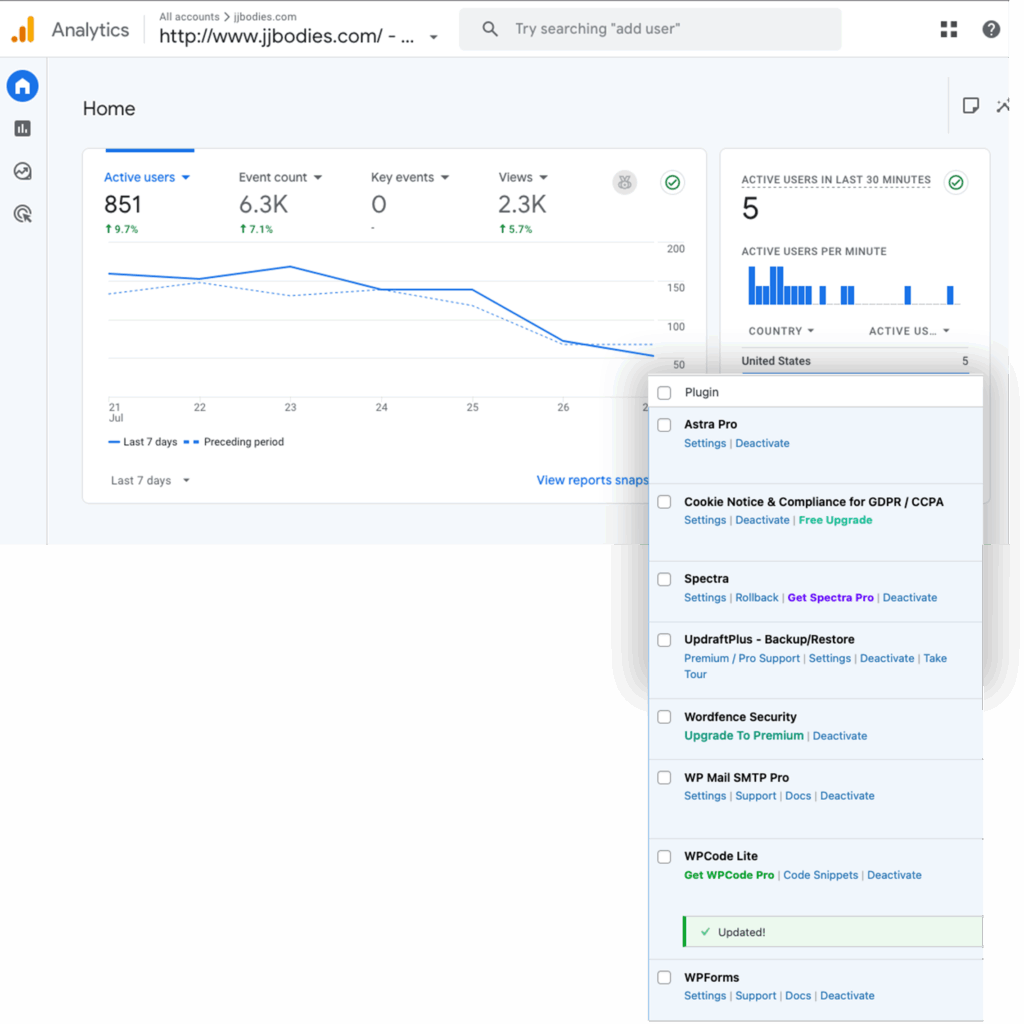
Update for new design trends, platform changes, and compliance